What is a webinar and how do you run one? A short guide
4 min read
This article in other languages: Русский
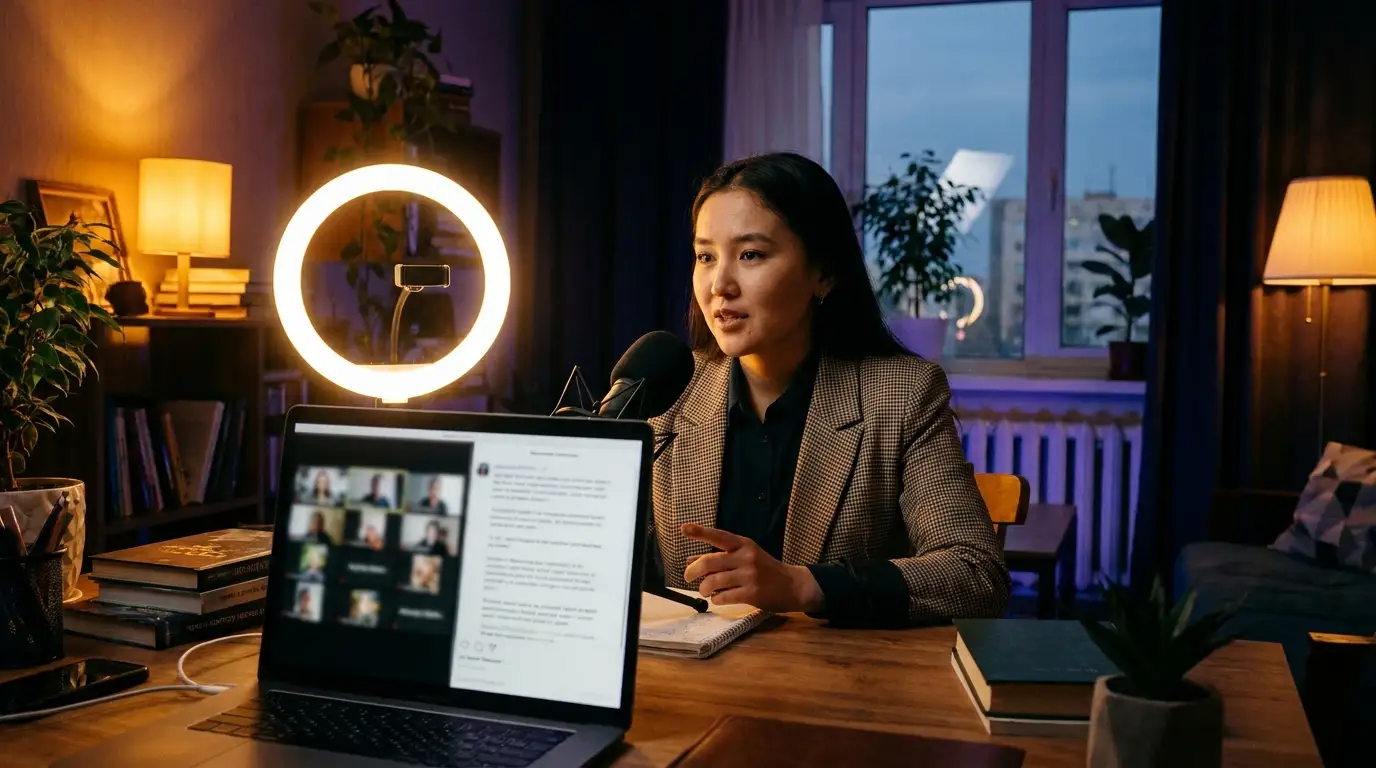
What is a webinar? A webinar is a seminar, lecture or training held live over the internet. The word combines “web” and “seminar”. The speaker talks and shows slides, while attendees join from their own devices, from anywhere, and ask questions in the chat.
Webinars are commonly used for online classes, product presentations, open sessions with experts and staff training.
Webinar vs. regular meeting: what’s the difference
- A webinar is for a large audience: mostly the host speaks, and everyone else listens and asks questions.
- An online meeting is for a small group where everyone takes part in the conversation. Dicta has a meeting room for that.
- A recorded video lesson is watched later, while in a webinar you can get an answer to your question on the spot.
What Dicta is and how it helps with webinars
Dicta is a platform for meetings and webinars: it records the session, turns speech into text and prepares an AI summary. For webinars, Dicta gives you:
- room for up to about 600 attendees;
- attendees join from a browser or the apps (macOS, Windows, iOS and Android), without a Dicta account;
- chat, moderated Q&A, polls and raise hand during the broadcast;
- automatic reminders to registrants: a day before, an hour before and at the start;
- the session’s recording, transcript and AI summary;
- full-text search across the result, or questions in the AI chat;
- transcription in Uzbek, Russian and English.
More about webinars in Dicta →
How to run a webinar
- Define the goal and audience. Who is it for, and what should happen after the webinar? Pick one main outcome.
- Choose a specific topic. Instead of “Introduction to digital marketing”, try “How to get your first 100 customers from Instagram”. The title should promise what attendees will be able to do.
- Set the format. The most common one: 30–40 minutes of presentation and 10–15 minutes of Q&A, 45–60 minutes in total.
- Prepare the content. Problem, solution, next step. One idea per slide. A question in the chat or a poll every 10–15 minutes, and one clear call to action at the end.
- Get the tech ready. A stable connection, a good microphone, a well-lit face and a full rehearsal. A helper watching the chat and questions is a plus.
- Create the webinar. In Dicta, choose the date, time and audience size, decide whether registration is required, and share the link. With registration on, attendees enter only their name and email; no Dicta account is needed. Prices are on the pricing page.
- Promote it. Write the date, time and benefit, and share it on Telegram, Instagram, LinkedIn and by email. Dicta reminds registrants a day and an hour before.
- Run the webinar. Join 15–20 minutes early, start on time, state the agenda, repeat each question before answering and close with one call to action. Q&A and polls keep the audience engaged. Say that the session is being recorded: where the law requires consent, attendees must agree.
- Send the follow-up within 24 hours. The recording link, slides and a short summary, plus written answers to the questions you didn’t get to. Turn the transcript and AI summary into a blog post or short social posts.
- Measure the result. Look at registrations, attendance, watch time and how many acted on the call to action, then change one thing next time.
Frequently asked questions
What is a webinar? A seminar or training held live over the internet. A speaker presents, and attendees join from their own devices and can ask questions.
What do you need for a webinar? A device with an internet connection. Attendees usually need only the link: they don’t need a Dicta account.
Do attendees have to register? The host decides. If registration is on in Dicta, attendees enter their name and email, and you can require the email to be confirmed with a one-time code. No Dicta account is needed.
How many people can attend a webinar in Dicta? Up to about 600 attendees.
Is the webinar recorded and transcribed? Yes. With recording on, Dicta produces the recording, a transcript and an AI summary of the session.
Run your next webinar in Dicta
Up to about 600 attendees, with Q&A and polls, plus a recording, transcript and AI summary in Uzbek, Russian and English.
Try Dicta yourself
Record, transcribe and get an AI summary: who said what and who owes what. Signing up is free.